




-
 Pick up from the PCModNepal Store
-
Courier delivery


| Specification | Details |
|---|---|
| Brand | Western Digital (WD) |
| Product Series | WD Elements Portable USB-C |
| Product Type | Portable External Hard Drive |
| Available Capacities | 2TB, 4TB, 6TB |
| Storage Technology | Mechanical HDD |
| Connector | USB-C |
| Interface | USB 3.2 Gen 1 / USB 3.0 |
| Maximum Interface Rate | Up to 5Gbps |
| Cable Included | SuperSpeed USB-C to USB-C |
| Color | Black |
| Default File System | exFAT, according to the USB-C product documentation |
| Operating System Compatibility | Windows 10+ and macOS 11+, subject to device requirements |
| Operating Temperature | 5°C to 35°C |
| Non-Operating Temperature | -20°C to 65°C |
₨ 30,500.00 – ₨ 55,000.00Price range: ₨ 30,500.00 through ₨ 55,000.00
 Pick up from the PCModNepal Store
 To pick up today
Free
 Courier delivery
 Our courier will deliver to the specified address
2-3 Days
Condition Applied*
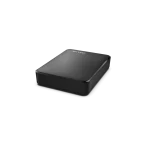
Looking for a reliable, high-capacity external hard drive to store your photos, videos, documents, games, and important files? The WD Elements Portable USB-C External Hard Drive is a practical storage solution for students, professionals, photographers, content creators, and everyday users who need additional space without upgrading their computer’s internal storage.
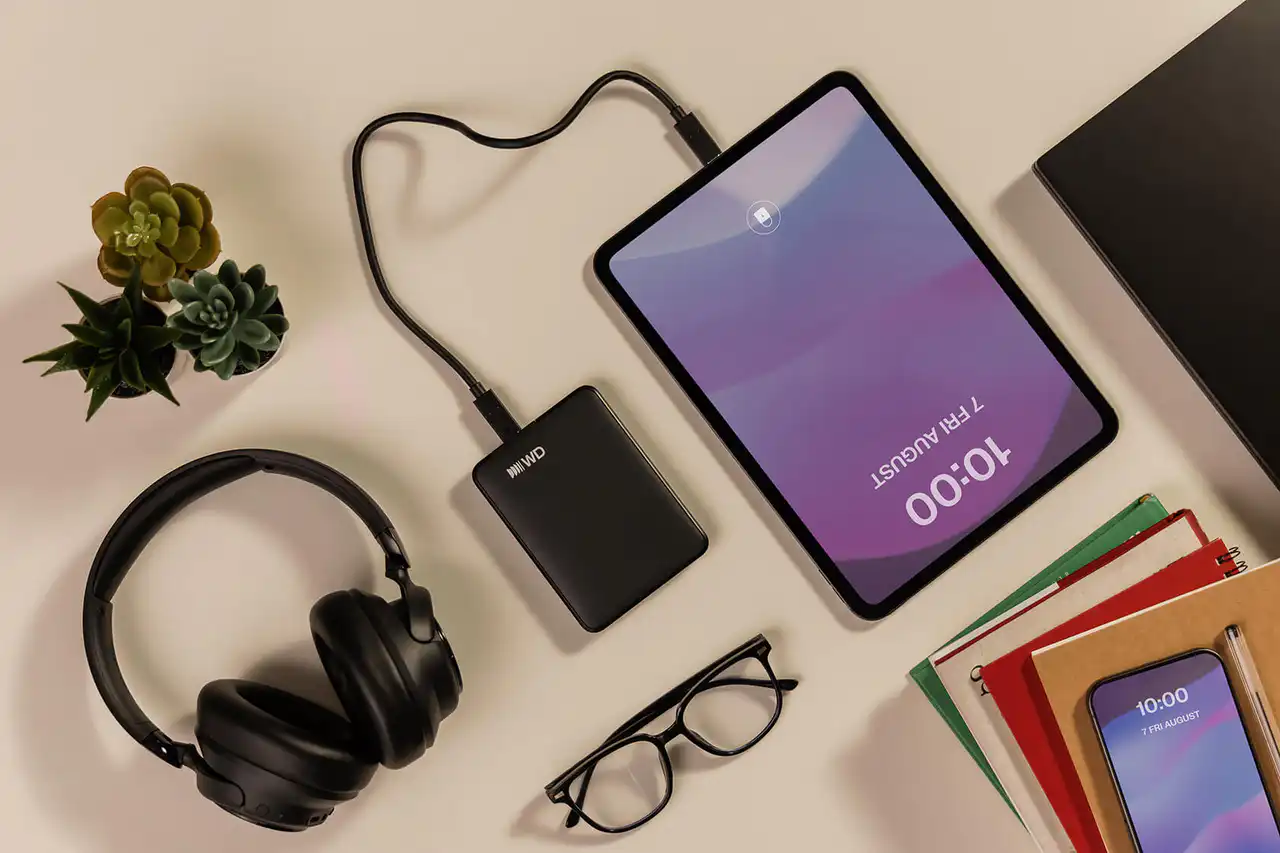
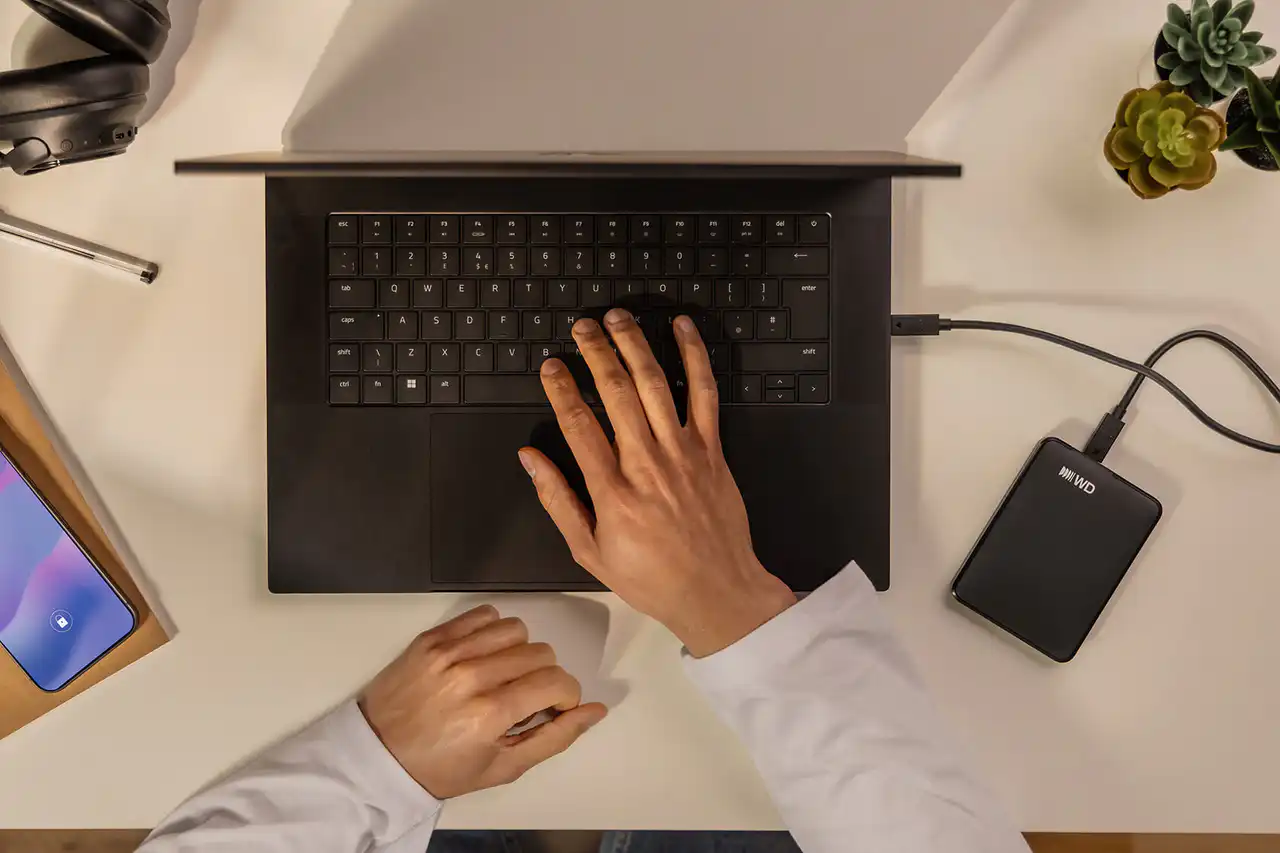
Available in 2TB, 4TB, and 6TB capacities, the WD Elements Portable USB-C HDD combines portable storage, convenient USB-C connectivity, and plug-and-play functionality in a compact design.
Whether you need extra space for everyday file backups or a large storage drive for your growing media library, WD Elements Portable offers different capacity options to suit your needs.
In this guide, we’ll explore its key features, specifications, available capacities, compatibility, advantages, and tips for choosing the right model.
The WD Elements Portable USB-C external hard drive is designed to make expanding your storage simple and convenient.
These features make the WD Elements Portable USB-C a useful option for users who want additional storage without the complexity of installing an internal drive.
The WD Elements Portable USB-C is available in three capacities to meet different storage requirements.
The 2TB model is ideal for everyday users who want extra storage for personal files, photos, documents, music, and a collection of videos.
It is a suitable option for students, office users, and people who regularly back up their laptops.
Best for: Everyday backups, documents, photos, music, and personal files.
The 4TB model provides additional room for larger collections of photos, videos, software files, and games.
It is a practical middle-ground option for photographers, professionals, and users who frequently work with large files.
Best for: Large media libraries, work projects, video collections, and extensive backups.
The 6TB model is designed for users who need substantial portable storage capacity.
It is particularly useful for content creators, professionals, and users who maintain large video libraries, archives, or multiple backups.
Best for: Large file archives, extensive media collections, and high-capacity storage needs.
| Capacity | Recommended Use |
|---|---|
| 2TB | Everyday storage and personal backups |
| 4TB | Larger media libraries and professional files |
| 6TB | Extensive archives and high-capacity storage |
Remember that advertised storage capacity is measured in decimal terabytes. The usable capacity shown by your operating system will be lower because of differences in measurement and formatting.
One of the main advantages of the WD Elements Portable USB-C is its modern USB-C connection.
The included USB-C to USB-C cable allows you to connect the drive directly to compatible computers without needing a separate USB-A adapter.
The drive uses USB 3.2 Gen 1 technology, supporting an interface data rate of up to 5Gbps.
This makes it suitable for transferring documents, backing up photos, moving videos, and accessing stored files.
However, 5Gbps is the interface’s theoretical signaling rate, not a guarantee of actual file-transfer speed. Real-world performance depends on the hard drive, file sizes, computer hardware, and connection.
Because this is a traditional mechanical hard drive rather than an SSD, it is generally better suited to bulk storage and backups than to workloads that require the fastest possible random-access performance.
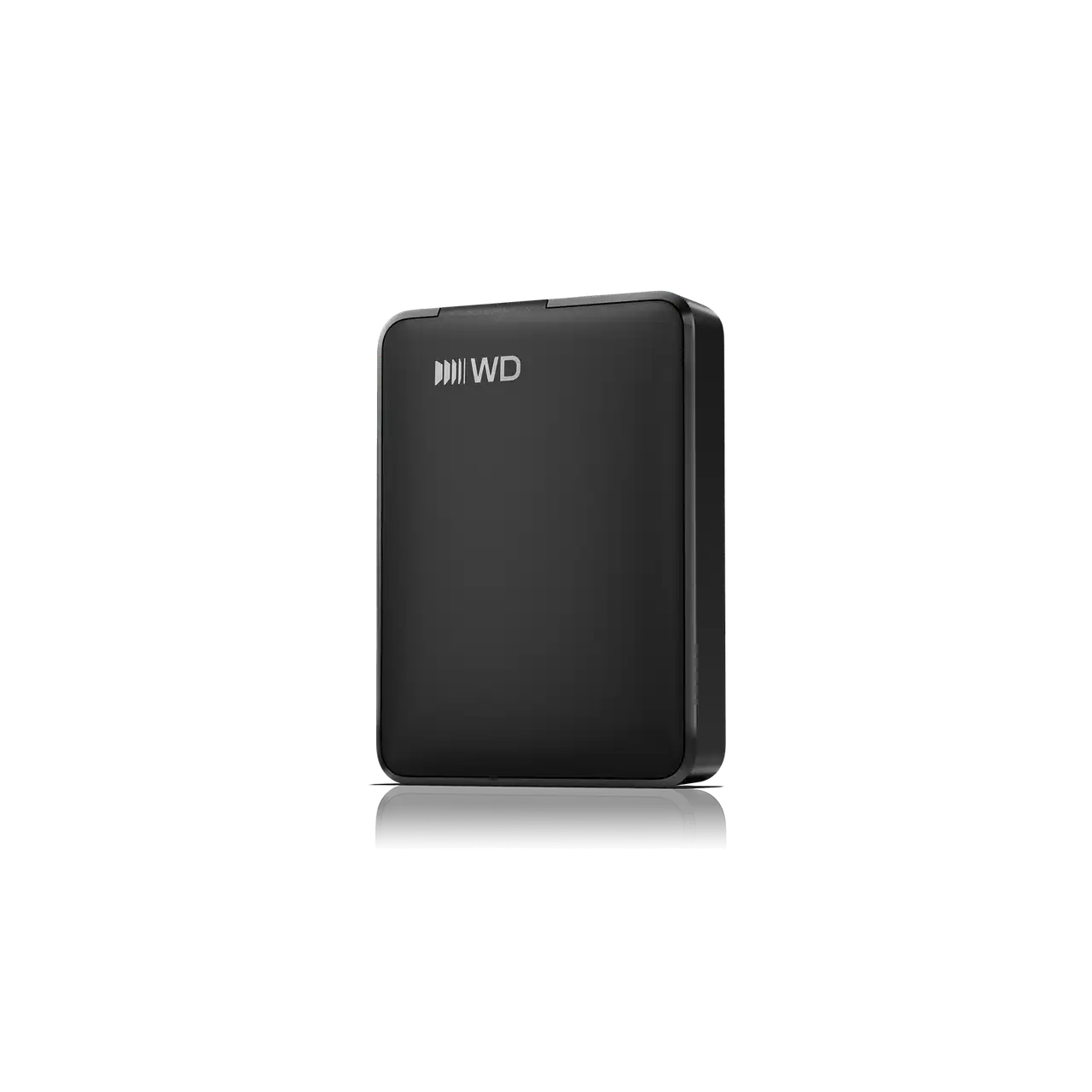
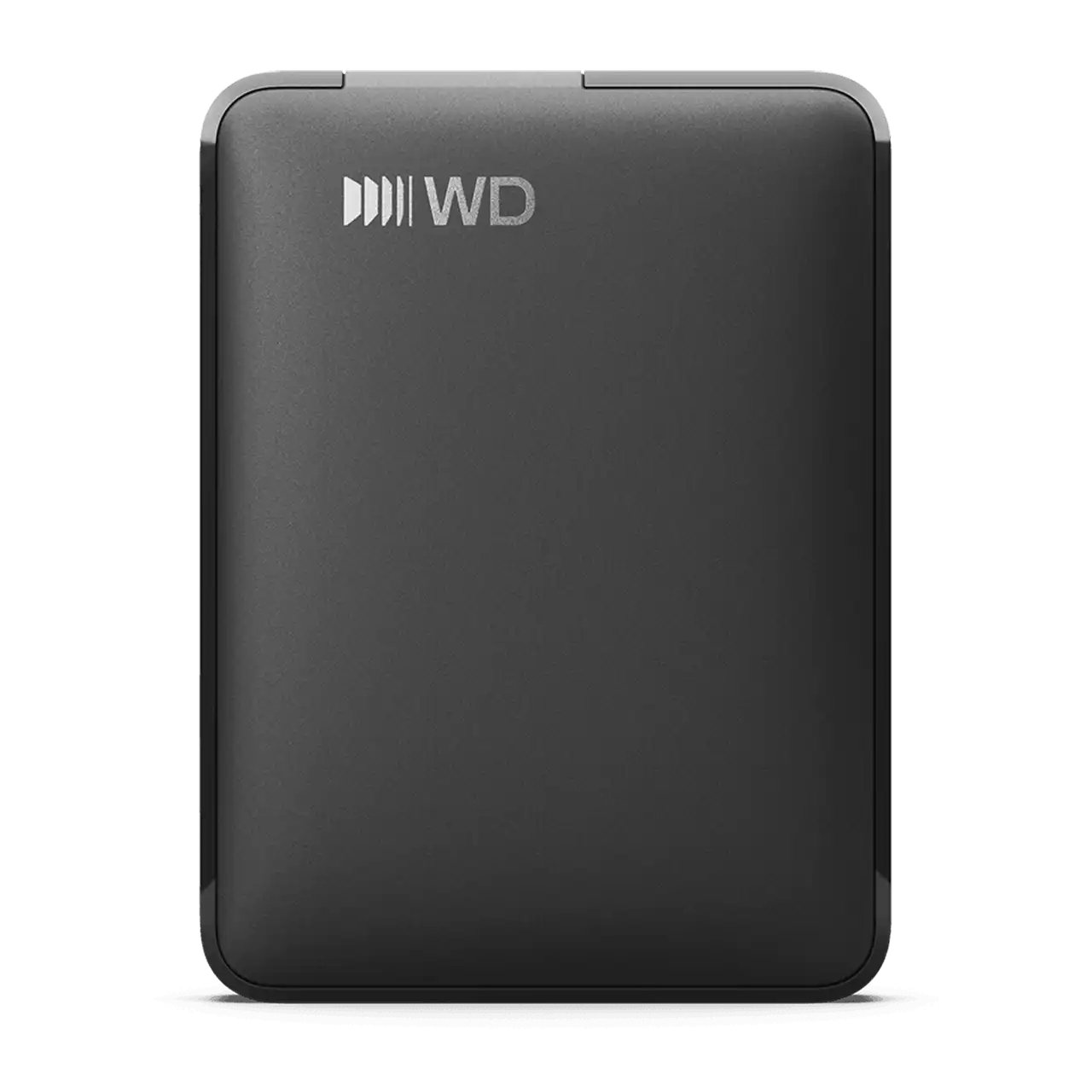
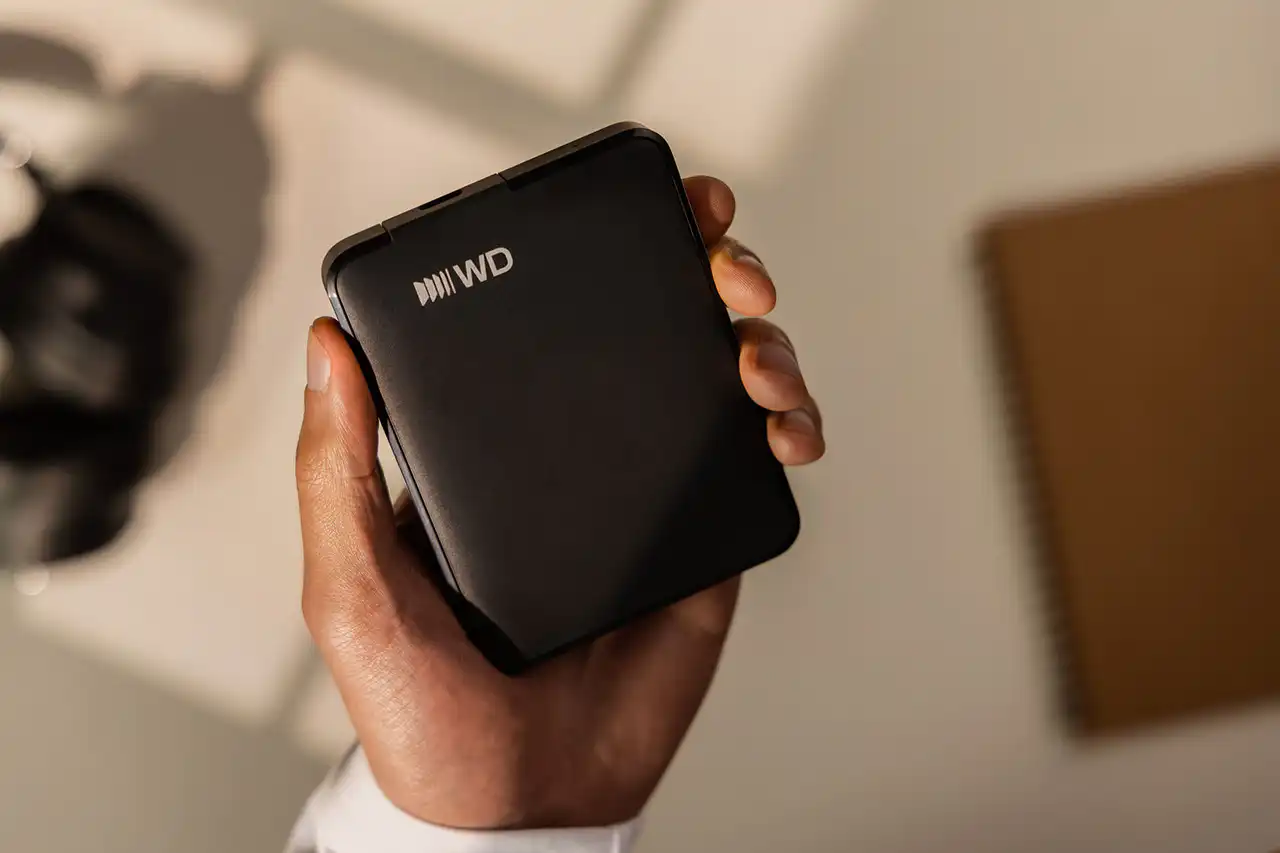
The WD Elements Portable USB-C is designed to provide substantial storage without taking up much space.
Its compact enclosure makes it convenient to carry alongside a laptop, keep on a desk, or store safely when not in use.
You can use it for a variety of purposes, including:
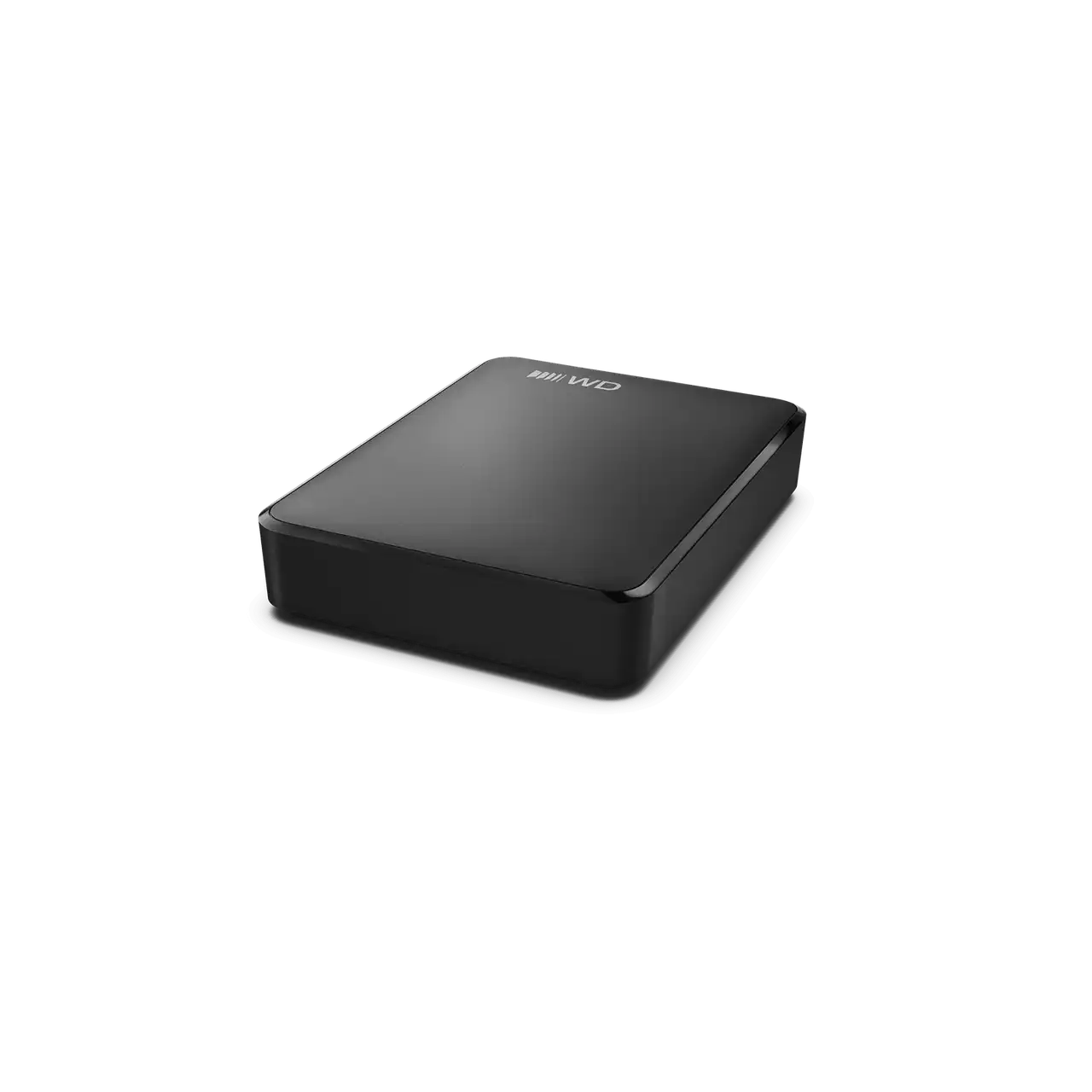
The 2TB model has a slimmer enclosure than the 4TB and 6TB versions, making capacity and physical size useful considerations when choosing your drive.
Although portable, this is a mechanical hard drive. Protect it from drops, strong impacts, moisture, and excessive vibration, particularly while it is operating.
Running out of internal storage can make it difficult to manage growing collections of documents, photos, videos, and other files.
The WD Elements Portable USB-C provides an easy way to add external storage without opening your computer.
You can use it to:
For better data protection, keep at least one additional copy of your most important files in a separate location. An external hard drive is useful for backups, but it should not be the only place where irreplaceable files are stored.
The WD Elements Portable USB-C is designed to work with compatible Windows and macOS computers.
The USB-C version is listed as exFAT-formatted for out-of-the-box compatibility with supported Windows and Mac systems.
Compatibility details include:
Compatibility can vary depending on the operating system, hardware, and device.
If you intend to use the drive with a television, gaming console, smartphone, tablet, or other device, check that device’s external-drive support and file-system requirements first.
Reformatting may be required for some operating systems or devices. Be aware that formatting a drive erases existing data, so back up any files you need before changing its file system.
| Specification | Details |
|---|---|
| Brand | Western Digital (WD) |
| Product Series | WD Elements Portable USB-C |
| Product Type | Portable External Hard Drive |
| Available Capacities | 2TB, 4TB, 6TB |
| Storage Technology | Mechanical HDD |
| Connector | USB-C |
| Interface | USB 3.2 Gen 1 / USB 3.0 |
| Maximum Interface Rate | Up to 5Gbps |
| Cable Included | SuperSpeed USB-C to USB-C |
| Color | Black |
| Default File System | exFAT, according to the USB-C product documentation |
| Operating System Compatibility | Windows 10+ and macOS 11+, subject to device requirements |
| Operating Temperature | 5°C to 35°C |
| Non-Operating Temperature | -20°C to 65°C |
| Warranty | Varies by region and product terms |
| Capacity | Dimensions (L × W × H) | Approx. Weight |
|---|---|---|
| 2TB | 110.8 × 82.2 × 15mm | 0.13kg |
| 4TB | 110.8 × 82.2 × 23.7mm | 0.24kg |
| 6TB | 110.8 × 82.2 × 23.7mm | 0.24kg |
Specifications are based on WD’s published product information for the USB-C versions. Confirm the exact model number, included cable, and regional warranty with your supplier.
The WD Elements Portable USB-C is worth considering if you need convenient, high-capacity storage for files, media libraries, or computer backups.
Its USB-C connection makes it convenient for compatible modern computers, while the range of capacities lets you select a drive based on your storage requirements.
The 2TB version is suitable for everyday use, the 4TB version provides extra room for larger collections, and the 6TB version is ideal for users who need substantial storage capacity.
If your main priority is fast application loading, intensive editing directly from the drive, or frequent transfers of very large projects, an external SSD may be a better choice. For cost-effective bulk storage and backups, a portable HDD remains a practical option.
The WD Elements Portable USB-C External Hard Drive offers a straightforward way to expand your storage capacity with 2TB, 4TB, and 6TB options.
Its portable design, USB-C connectivity, and support for everyday file storage make it a useful choice for students, professionals, home users, and content creators who need additional space for their digital files.
Choose 2TB for everyday storage, 4TB for larger collections, or 6TB for extensive archives and backups.
Bottom line: If you want a portable external hard drive with USB-C connectivity and plenty of space for your files, the WD Elements Portable USB-C is worth considering.
The models covered in this guide are available in 2TB, 4TB, and 6TB capacities.
Yes. It features a USB-C connector and includes a USB-C to USB-C cable.
Its USB 3.2 Gen 1 interface supports signaling rates of up to 5Gbps. Actual file-transfer speeds will be lower and vary with operating conditions.
Yes, it supports compatible macOS systems. The USB-C version is listed as exFAT-formatted, although compatibility depends on the computer and operating system.
Yes. It is suitable for storing backup copies of documents, photos, videos, and other important files. For better protection, maintain an additional backup.
The primary difference is storage capacity. The 2TB version is slimmer, while the 4TB and 6TB models use a thicker enclosure.
No. It is a mechanical hard disk drive (HDD), designed for portable, high-capacity storage rather than SSD-level performance.
Compatibility depends on the console, supported file system, and intended use. Check the console manufacturer’s external-storage requirements before purchasing.
The WD Elements Portable USB-C 2TB, 4TB, and 6TB external hard drives provide flexible storage options for everyday users and professionals. With USB-C connectivity, a portable enclosure, and broad computer compatibility, they offer a convenient way to expand storage and keep important files accessible.
You must be logged in to post a review.
Out of stock
In stock
In stock
Out of stock
No account yet?
Create an Account



Reviews
Clear filtersThere are no reviews yet.